ReVanced Manager
Tools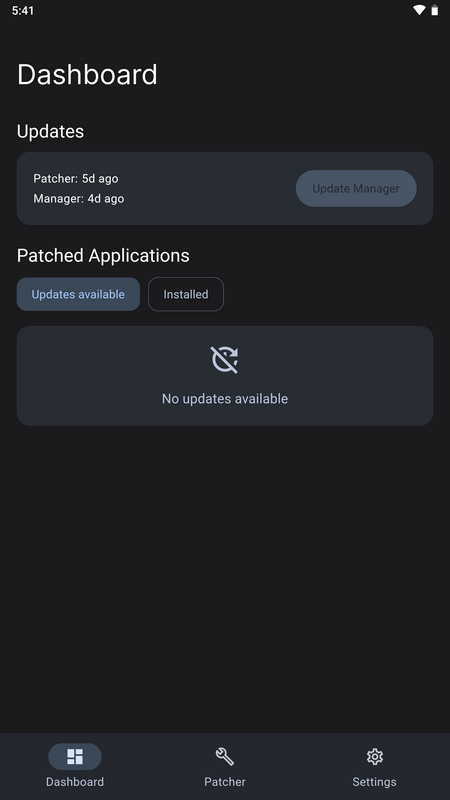
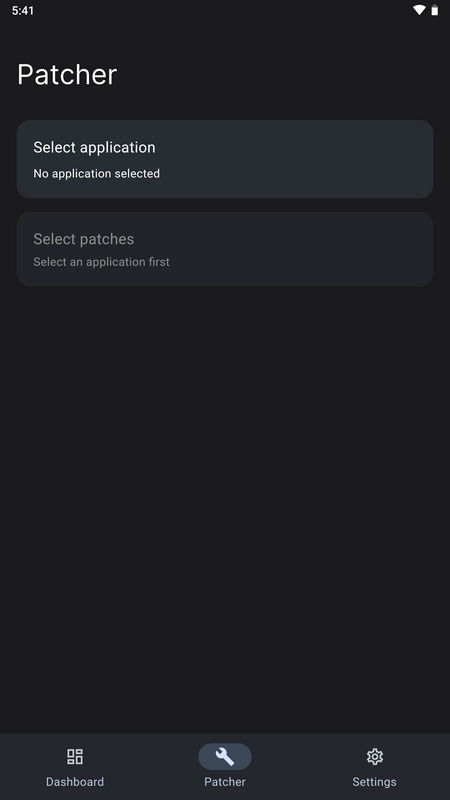
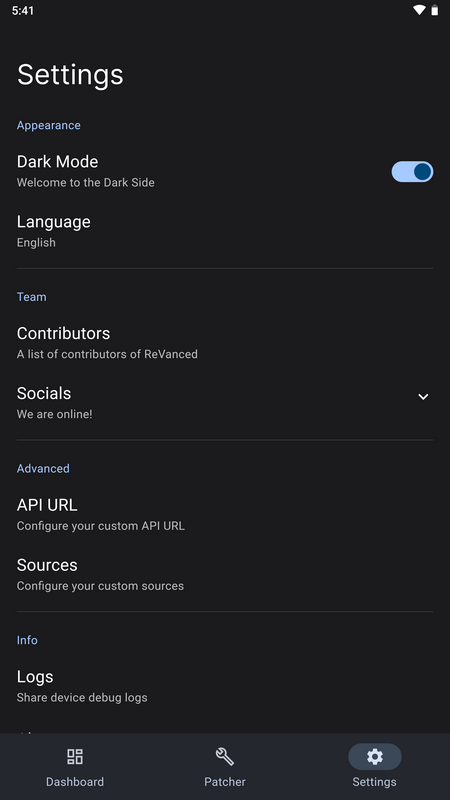
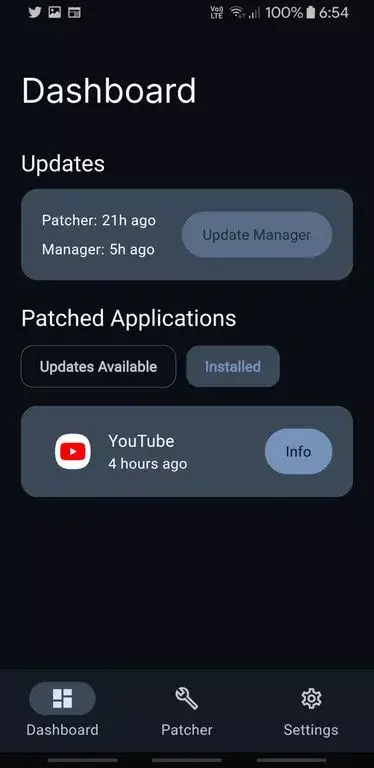
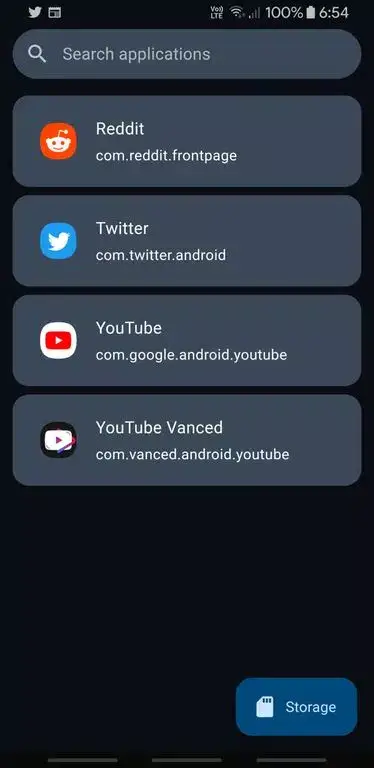
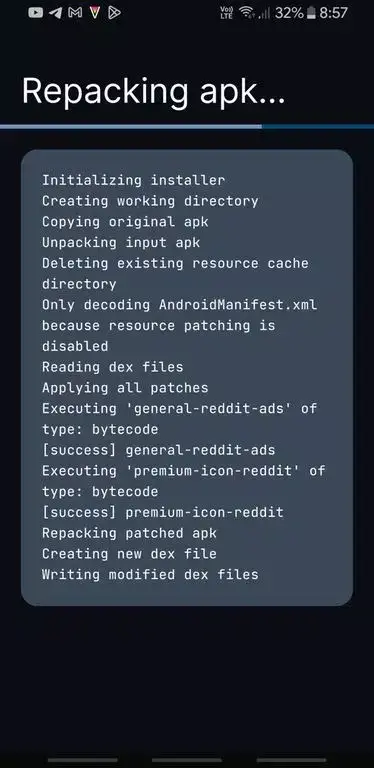

ReVanced Manager is an Android utility that helps you apply and manage ReVanced patches for YouTube and other supported apps. The tool streamlines the process of downloading patches, selecting patches, and installing the modified APKs, giving you a more customizable video experience without a subscription.
This page provides the latest version details, installation steps, compatibility notes, and practical tips to keep the manager running smoothly on your device.
Quick Information
| App/Game Name | ReVanced Manager |
| Latest Version | 2.4.0 |
| Developer | Not listed |
| Category | Apps / Tools |
| App Size | 43 MB |
| Package Name | app.revanced.manager.flutter |
| Last Updated | 8 April 2026 |
What Is ReVanced Manager?
ReVanced Manager is a standalone Android application written with Flutter. Its core purpose is to serve as a graphical interface for the ReVanced patching workflow. Users can:
- Select a target app (e.g., YouTube) and a compatible ReVanced patch bundle.
- Configure optional patches such as ad‑blocking, background playback, or layout tweaks.
- Build a patched APK directly on the device, eliminating the need for a PC.
The manager is aimed at Android power users who want a free, ad‑free YouTube experience and are comfortable handling APK files. It does not provide any streaming content itself; it only modifies existing apps.
Compatibility
| Android Version | Not Verified |
| Architecture (ARM64 / 32-bit) | Not Verified |
| Internet Connection | ✓ Verified — May be required for ads, updates, or login |
| Storage Needed | Not Verified |
| OBB/Data Files | Not Verified |
| Root Required | Not Verified |
How to Install
- Enable Install unknown apps for the browser or file manager you will use (Settings → Apps → Special app access → Install unknown apps).
- Download the ReVanced Manager APK file from the provided link.
- Tap the downloaded file to start the installation. Follow the on‑screen prompts.
- Once installed, open ReVanced Manager and grant the requested storage permissions.
- Inside the app, download the latest YouTube APK and the matching ReVanced patch bundle (the app can fetch these automatically).
- Select the patches you want, then tap Build. The manager will create a patched APK.
- Install the newly built APK. You may need to uninstall the original YouTube app first, or install the patched version as a separate app.
Troubleshooting
- App not installed: Verify that you have allowed installations from unknown sources and that the APK is not corrupted.
- Crash on startup: Ensure your device runs at least Android 6.0 (Marshmallow). Clear app data or reinstall if the problem persists.
- Patches not applying: Make sure the YouTube APK version matches the version required by the selected patch bundle.
- Permission errors: Grant storage permission again via Settings → Apps → ReVanced Manager → Permissions.
Safety & Security
ReVanced Manager is a modified tool that works with third‑party patch files. While the manager itself does not contain malicious code, users should:
- Download the APK from a reputable source.
- Review the permissions requested during installation.
- Avoid entering personal login credentials into any patched app unless you trust the source.
- Be aware that future official YouTube updates may break compatibility, requiring a new patch bundle.
How ReVanced Manager Compares
| Feature | ReVanced Manager | NewPipe | SkyTube |
|---|---|---|---|
| Price / Model | Free | Free, open‑source | Free, open‑source |
| Platform | Android (APK) | Android (APK) | Android (APK) |
| Standout Feature | Graphical patch builder for ReVanced | Lightweight YouTube client, no Google Play Services needed | Ad‑free YouTube browsing with subscription support |
| Best For | Users who want a customized YouTube APK with specific patches | Users seeking a minimal, privacy‑focused YouTube viewer | Users who want an ad‑free YouTube experience without patching |
Alternatives
If ReVanced Manager does not meet your needs, consider these well‑known options:
- NewPipe – A lightweight YouTube client that works without Google services and includes background playback.
- SkyTube – An open‑source YouTube viewer with built‑in ad blocking and subscription management.
- LibreTube – A privacy‑focused fork of NewPipe with additional UI tweaks.
- Official YouTube app – The standard Google‑provided version, includes full feature set but requires a Premium subscription for ad‑free playback.
Final Verdict
ReVanced Manager is a solid choice for Android users who want to customize their YouTube experience without paying for Premium. It offers a clear interface for applying community‑maintained patches, but it requires manual updates and a compatible patch bundle. Ensure your device meets the minimum Android version, download from a trusted source, and keep an eye on patch compatibility after official YouTube updates.
Frequently Asked Questions
The manager itself is free of known malware, but you should download it from a reputable source and review the permissions it requests.
ReVanced Manager runs on Android 6.0 (Marshmallow) and newer.
No root is required; the app builds patched APKs that can be installed like any other app.
When a new version is released, download the updated APK and install it over the existing version.
Yes, you can sign in, but be aware that some features may be limited if Google detects a modified client.
Patches are version‑specific; a new YouTube update may require a matching patch bundle before the patched app works again.
No additional OBB or data files are needed; the manager handles the APK and patch files directly.
This usually means the original YouTube version does not match the patch bundle, or the device blocked the installation due to unknown sources.